Creating a productive home office setup is essential for anyone working remotely or managing tasks from home. A well-organized and comfortable workspace can help you stay focused, reduce distractions, and improve your overall work efficiency. Whether you have a dedicated room or just a small corner in your home, these tips will guide you in designing a home office that supports your work needs.
Choose the Right Location
The first step in creating a productive home office is selecting the best location. Ideally, your workspace should be quiet and away from high-traffic areas in your home. This reduces noise interruptions and helps you mentally separate work from personal life.
– Natural Light: Find a spot with plenty of natural light to improve mood and reduce eye strain.
– Ventilation: Ensure good airflow for a comfortable environment.
– Privacy: If possible, choose a place where you can close the door or create some visual separation.
Invest in Ergonomic Furniture
Comfort matters greatly when you spend hours working at a desk. An ergonomic setup helps prevent physical strain and discomfort.
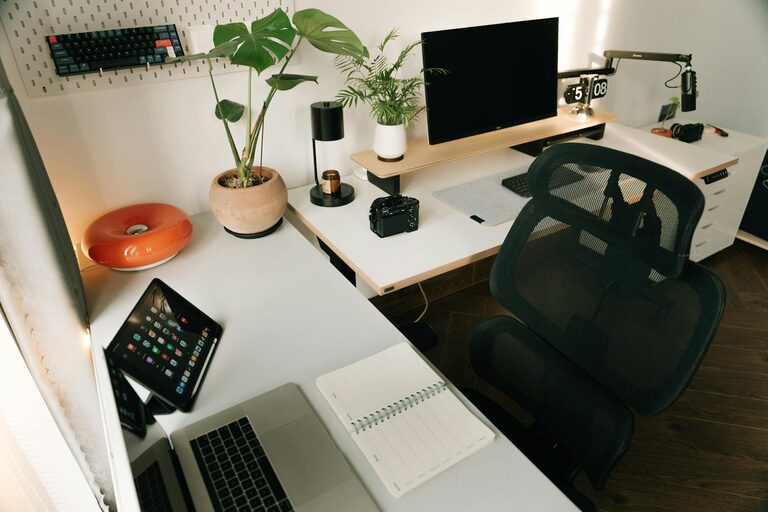
– Chair: Select an adjustable chair with good lumbar support.
– Desk: Choose a desk at the right height to keep your arms at a 90-degree angle when typing.
– Monitor Placement: Position your monitor at eye level and about an arm’s length away to reduce neck and eye strain.
– Accessories: Use a keyboard and mouse that fit your hand size comfortably. Consider adding a footrest if needed.
Organize Your Workspace
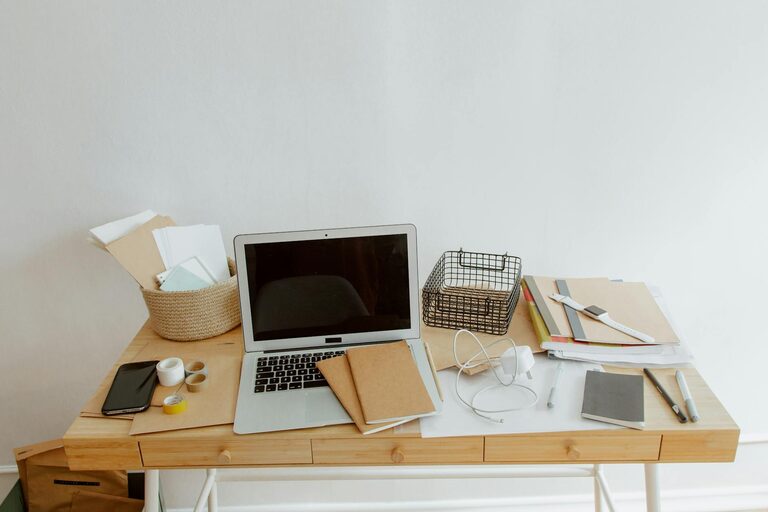
A cluttered desk can make it harder to focus. Keeping your workspace tidy helps you stay organized and efficient.
– Storage Solutions: Use shelves, drawers, or filing cabinets to keep papers and supplies out of sight.
– Desk Essentials: Keep only the items you frequently use within arm’s reach.
– Cable Management: Use clips or cable organizers to keep wires neat and prevent tangles.
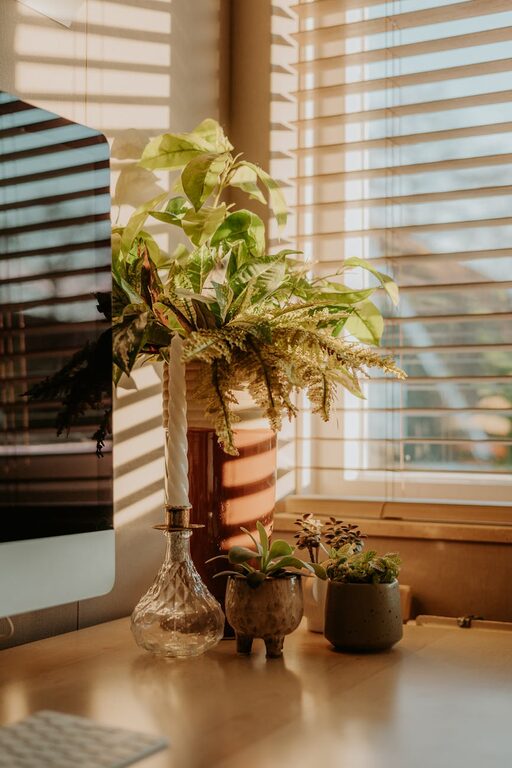
– Personal Touch: Add a few personal items like a plant or photo, but avoid overcrowding your space.
Optimize Lighting
Proper lighting reduces eye strain and creates a welcoming atmosphere.
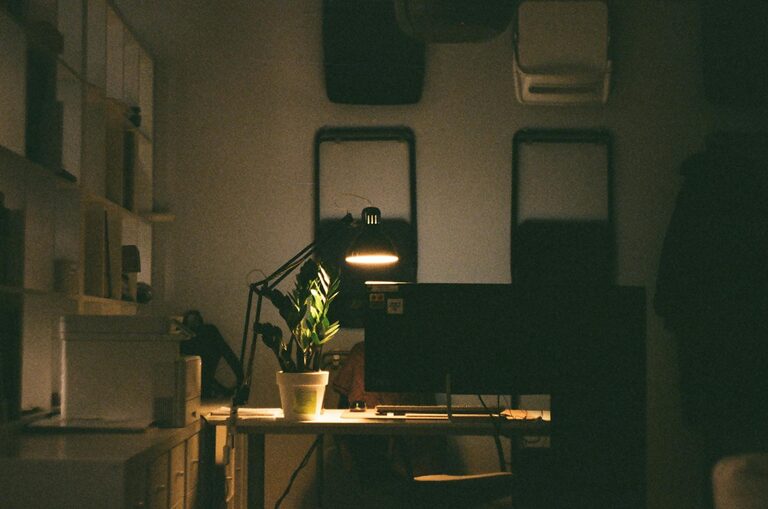
– Task Lighting: Use a desk lamp with adjustable brightness for focused work.
– Avoid Glare: Position screens and lamps to prevent glare on your monitor.
– Balanced Light: Combine natural and artificial light for consistent illumination throughout the day.
Minimize Distractions
Distractions can quickly reduce productivity during your workday. Aim to create an environment that helps you focus.
– Silence Notifications: Turn off non-essential notifications on your computer and phone.
– Noise Control: Use noise-canceling headphones or play soft instrumental music if it helps improve concentration.
– Scheduled Breaks: Plan short breaks to avoid burnout and maintain productivity.
Maintain a Routine
A home office setup works best when paired with a consistent daily schedule.
– Set Work Hours: Define clear start and end times to separate work time from personal time.
– Morning Routine: Begin your day with a routine that signals the start of work, such as coffee or a quick walk.
– Regular Breaks: Take brief breaks to stretch and move around to refresh your mind and body.
Use Technology Wisely
Leveraging the right technology can enhance your productivity.
– Reliable Internet: Make sure your internet connection is strong and stable.
– Productivity Tools: Use apps for task management, time tracking, or note-taking.
– Backup Systems: Regularly back up important files to the cloud or an external drive.
– Ergonomic Tech: Consider accessories like an external keyboard, mouse, or monitor stand for better ergonomics.
Keep It Healthy
Your home office should support your physical and mental well-being.
– Air Quality: Use air purifiers or plants to improve air quality.
– Stay Hydrated: Keep a water bottle nearby to encourage regular hydration.
– Movement: Incorporate standing desks or take standing breaks to reduce sedentary time.
– Eye Care: Follow the 20-20-20 rule: every 20 minutes, look at something 20 feet away for 20 seconds.
Personalize Your Space
Making your workspace enjoyable can increase motivation and satisfaction.
– Color Scheme: Choose calming or inspiring colors that suit your personality.
– Decor: Add artwork, photos, or items that uplift your mood.
– Comfort Items: Include cozy touches like a soft blanket or cushions to make your space inviting.
—
By thoughtfully designing your home office with these tips in mind, you can create a productive environment tailored to your work style and needs. A comfortable and organized workspace encourages focus, supports good health, and helps you maintain a healthy work-life balance. Start small, adjust over time, and make your home office a place you look forward to spending time in.

Related Posts